Exploring Google Stitch: The Figma Killer?
A quick look into Google’s AI-powered design tool, Stitch.
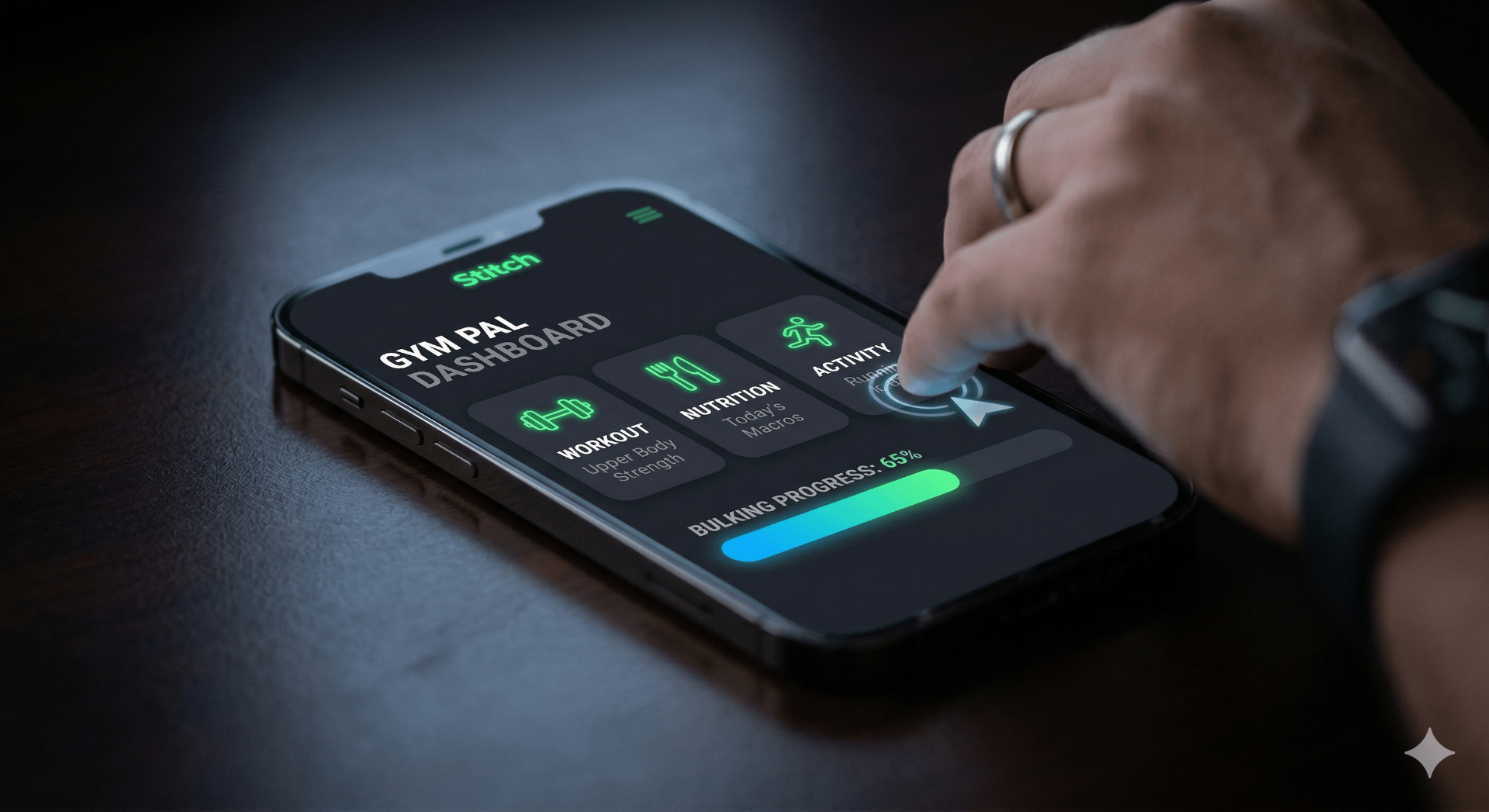
From Logic to Layout: My Experiment with Prompt-to-UI
I’ve spent the last few years deep in the logic and architecture of frontend development. Recently, though, I’ve been taking a detour into the design side, getting hands-on with tools like Figma and Visily. My latest experiment? Exploring how AI is bridging the gap between design and code using Google’s AI-powered UI engine, Stitch.
As someone who thrives on React and structured design systems, the "prompt-to-UI" concept was intriguing. I wanted to see how far I could get with just a mobile app concept and zero manual pixel-pushing.
Using Stitch to generate mobile screens through simple descriptive prompts was an eye-opener. It wasn't just about the aesthetics; I was impressed by the speed and accuracy of:
- Layout Composition: It instinctively knew where headers, cards, and navigation belonged on a mobile viewport.
- Iterative Refinement: I could "chat" with the UI to tweak colors and spacing in real-time.
- Speed to High-Fi: Moving from a raw idea to a high-fidelity visual took minutes, not hours.
The Developer Perspective
Does this replace the nuance of a dedicated designer? Not yet. But for a developer, it’s a massive productivity booster. It’s perfect for those "I just need a quick UI for this side project" moments.
Being able to visualize a product before writing a single line of Next.js or Svelte code is a game-changer. It allows us to focus on the experience first, making rapid prototyping feel like a seamless part of the modern dev workflow.